Sign-up to our newsletter and we'll also send you our free ebook on Navigating Social Situations.
Imagine confidently joining any dinner party, indulging in holiday feasts guilt-free, and making lasting memories, all while edging closer to your goals. Sign up now!
You will receive an email from us soon.
Hmm.. something went wrong. If the issue persists, please contact us.
Quick answer: The best macro app for fat loss sets protein-forward targets, then adjusts your calories each week based on what you logged and how your weight is trending. Look for weekly check-ins, guardrails on how fast you lose, and a plan for plateaus and maintenance. A fixed calorie number tends to stall as your body changes.
Most macro apps give you a target and a place to log food. That's a good start. Fat loss gets harder over time because the number that worked in week one often stops working by week eight. The right app notices and adjusts with you.
Here's what to look for, what the research says, and how to tell whether you need a tracker or a coach.
Why a fixed calorie target stops working
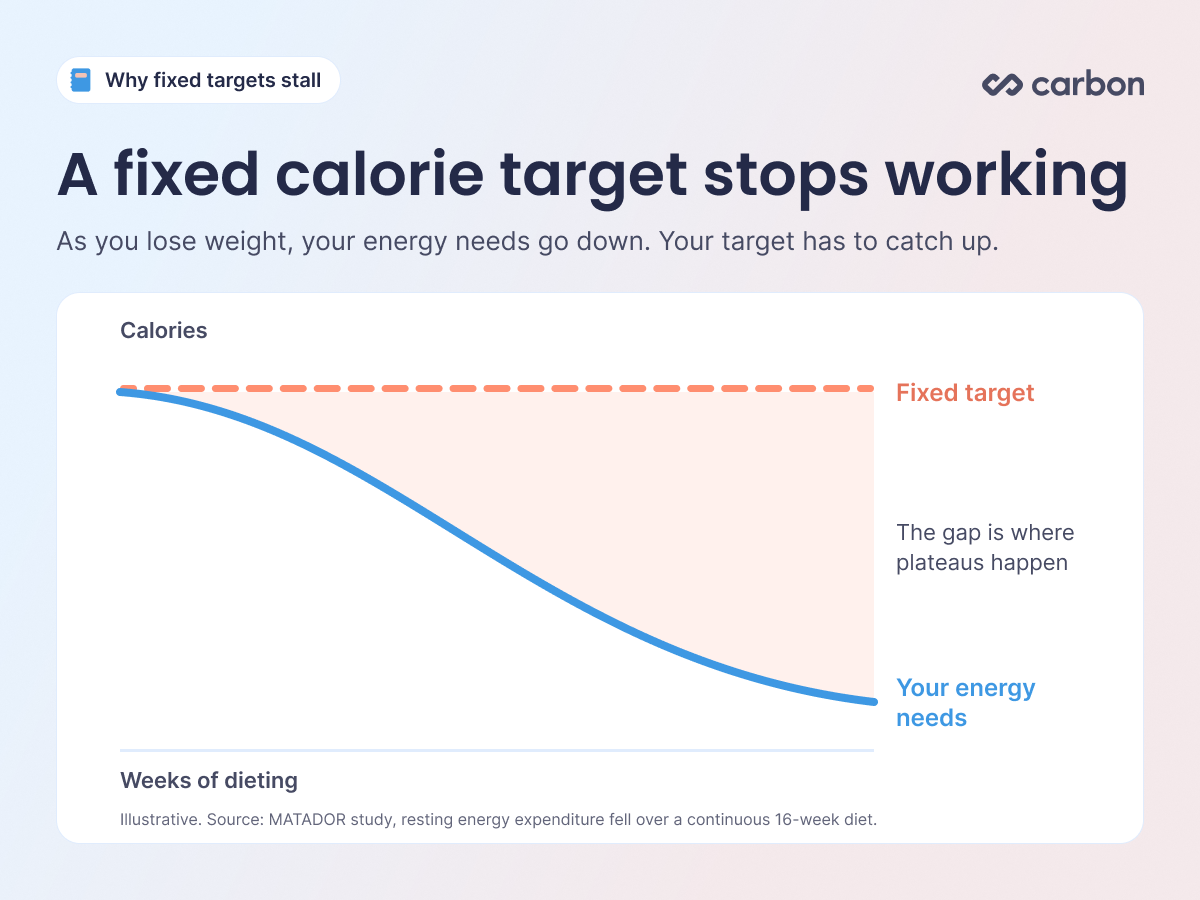
As you lose weight, your energy needs go down. A smaller body burns less, and during a long diet your body also tends to spend a bit less energy at rest. In the MATADOR study, men on a continuous 16-week diet saw their resting energy expenditure drop, even after adjusting for changes in body composition.
That's why so many people hit a plateau a few months in. Nothing is broken. Your target just hasn't caught up with your body. An app that only gives you a fixed number leaves it to you to figure out when to change it and by how much.
What to look for in a macro app for fat loss
1. Targets that adjust to your actual progress
This is the biggest difference between apps. A tracker shows what you ate against a target. A coaching app also looks at your results and changes the target when you need it.
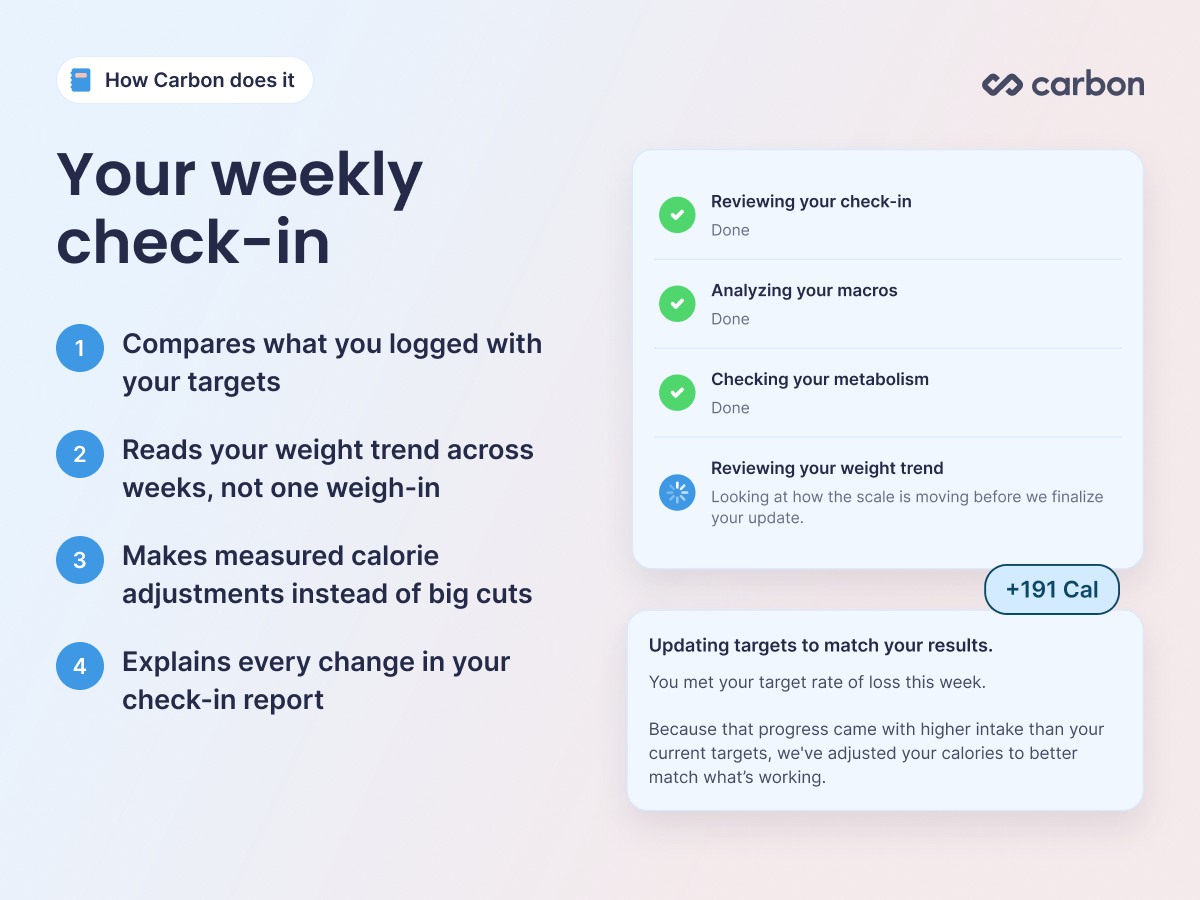
Look for a regular check-in, usually weekly, where the app compares what you logged with how your weight moved. It should explain every change, so you always know why your numbers moved.
How Carbon does it: At each weekly check-in, Carbon compares your logged intake with your targets and looks at your weight trend across weeks. If you're behind pace, it makes measured calorie adjustments instead of big cuts. Every change comes with an explanation in your check-in report.
2. Weight trends over single weigh-ins
Scale weight moves day to day with water, salt, carbs, and digestion. One high reading doesn't mean you gained fat. A good app judges progress by the trend across several weeks of weigh-ins, so one rough morning doesn't drive a bad decision.
How Carbon does it: Carbon uses multi-week weigh-in averages to read your trend, and looks at whether you're ahead of, behind, or on pace with your goal.
3. A sensible rate of loss
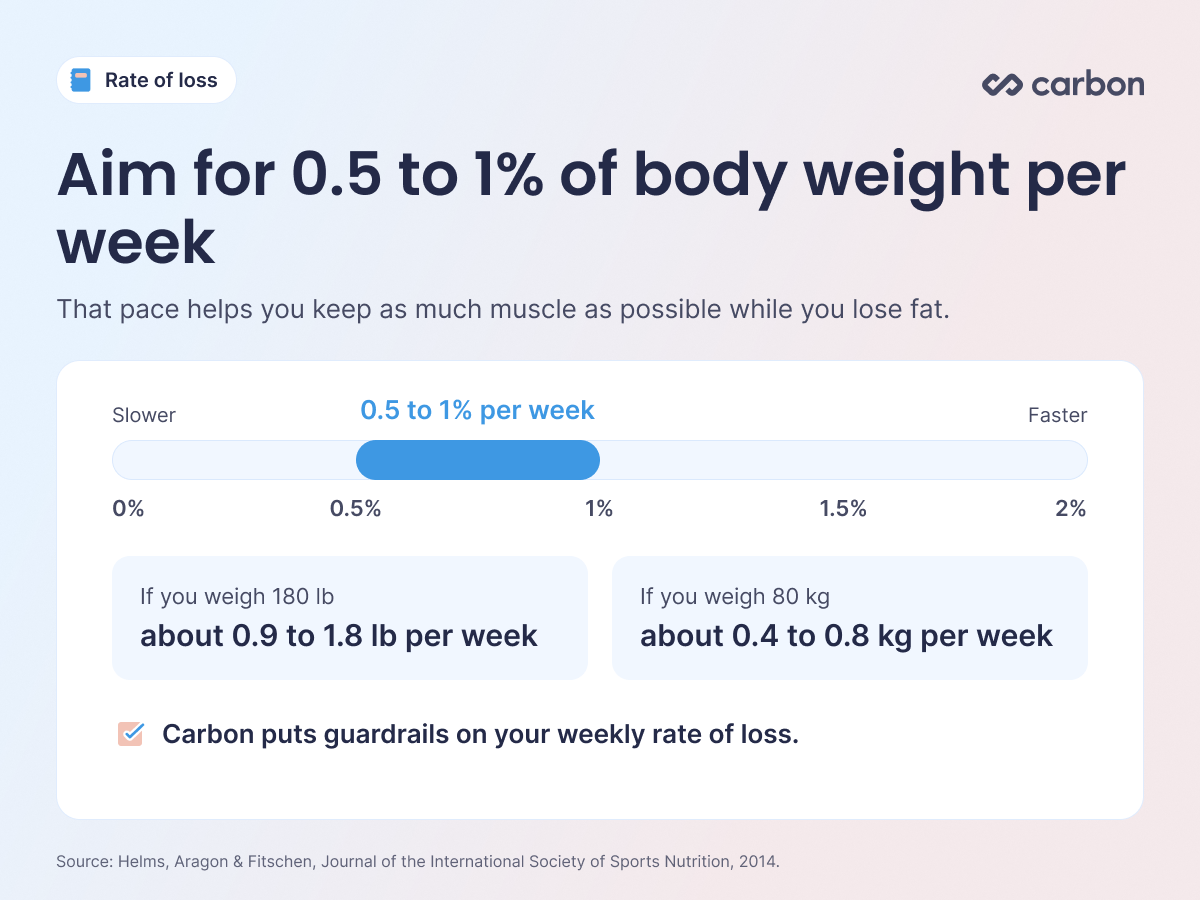
Faster isn't always better. An evidence-based review of diet research for natural bodybuilders recommends losing about 0.5 to 1% of body weight per week to keep as much muscle as possible. For a 180 lb person, that's about 0.9 to 1.8 lb per week. A moderate pace also makes the plan easier to stick with.
How Carbon does it: Carbon puts guardrails on your weekly rate of loss and sets a minimum calorie floor. If you reach that floor, the app lets you know and recommends switching to a reverse diet or maintenance goal.
4. Protein-forward macros
Protein helps you hold on to muscle while you're in a calorie deficit. A systematic review of lean, resistance-trained dieters suggested higher intakes of about 2.3 to 3.1 g per kg of fat-free mass, with needs rising as people get leaner and the deficit gets bigger.
How Carbon does it: Carbon uses 2.2 g of protein per kg of lean body mass as a general starting point, then gives you an optimal range based on your goal and diet preference. You can adjust each macro within that range.
5. Logging you'll keep doing
Consistent tracking is one of the strongest habits linked to weight loss. A systematic review on self-monitoring found a consistent link between tracking what you eat and losing weight.
That means the app should make logging quick and trustworthy: a verified food database, barcode scanning, and custom foods and recipes for the meals you eat most.
How Carbon does it: Carbon's food database is verified and powered by FatSecret. You can scan barcodes and nutrition labels, or use the Smart Logger to take a photo, review the matches from the verified database, and confirm before anything is logged.
6. A plan for plateaus and what comes after
Plateaus are a normal part of fat loss. Before changing anything, a good app looks at your weight trend over a few weeks and how consistently you logged, then adjusts if you've truly stalled.
What happens when the diet ends matters just as much. A good app helps you bring calories back up gradually, hold your new weight, or move into building muscle.
How Carbon does it: Carbon includes a reverse diet goal for raising calories back up, a maintain weight goal, and a build muscle goal.
Quick checklist
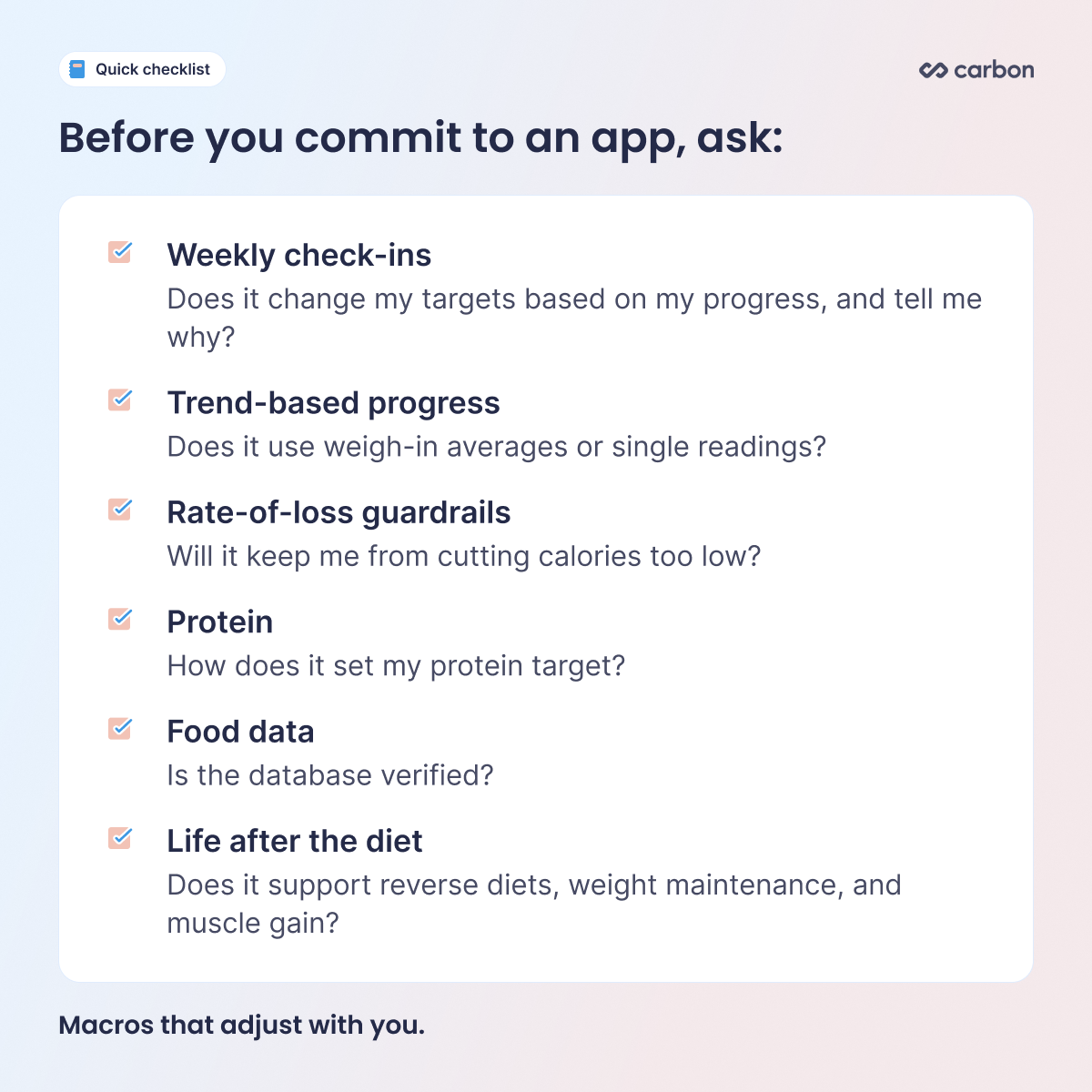
Before you commit to an app, ask:
Weekly check-ins: Does it change my targets based on my progress, and tell me why?
Trend-based progress: Does it use weigh-in averages or single readings?
Rate-of-loss guardrails: Will it keep me from cutting calories too low?
Protein: How does it set my protein target?
Food data: Is the database verified?
What comes next: Does it support reverse diets, weight maintenance, and muscle gain?
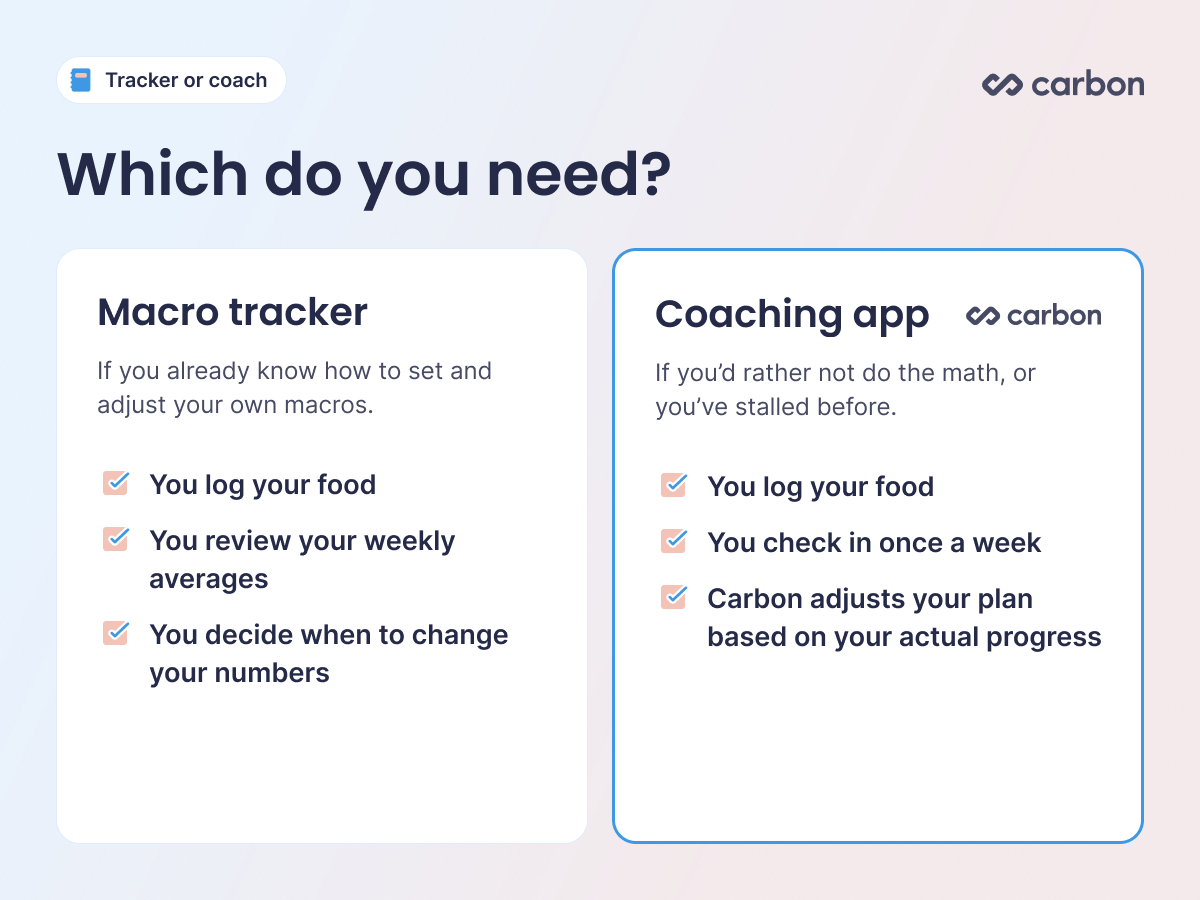
Tracker or coach: which do you need?
If you already know how to set and adjust your own macros, a tracker can work. You log your food, review your weekly averages, and decide when to change your numbers.
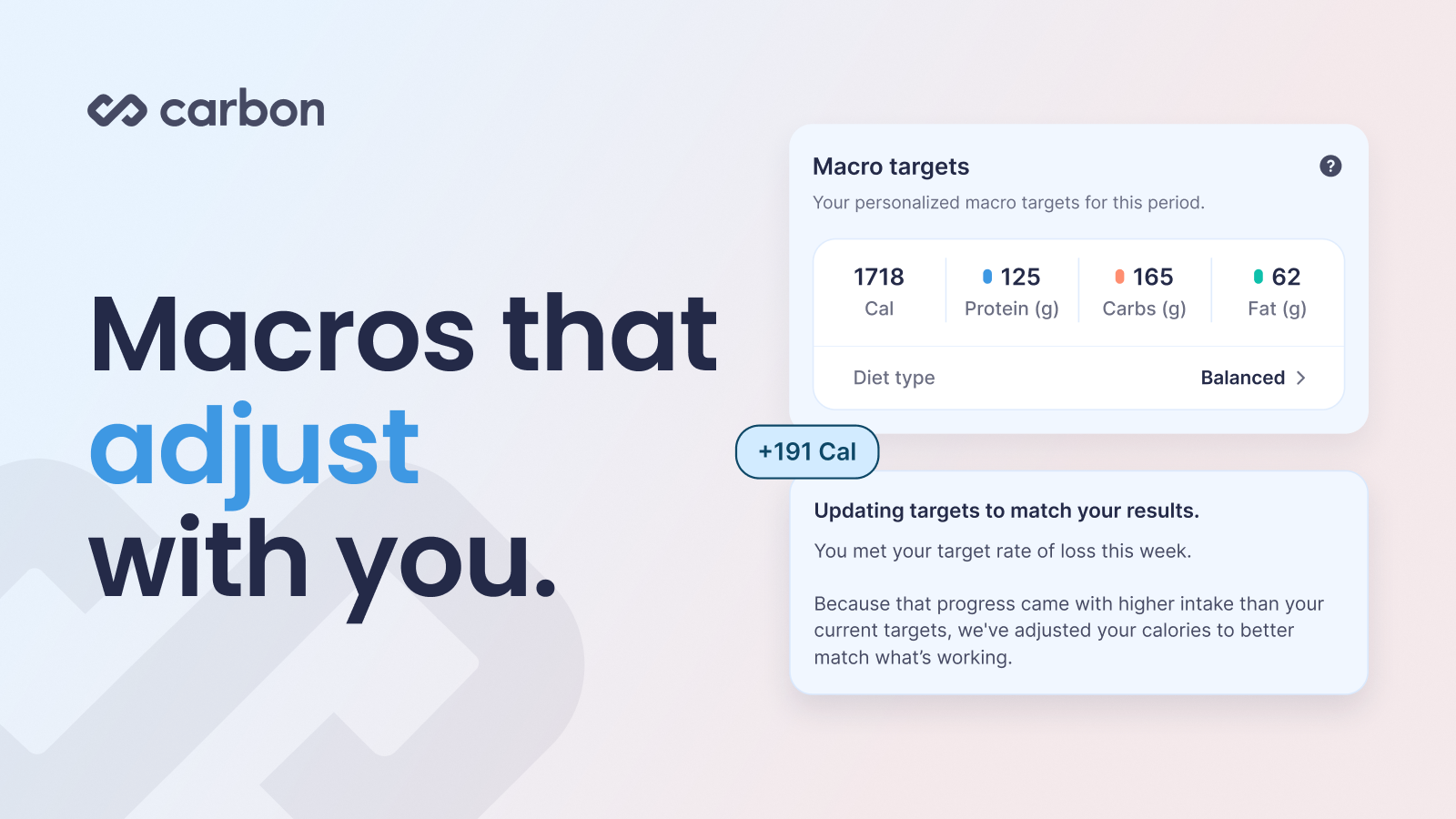
If you'd rather not do that math, or you've stalled before and weren't sure what to change, a coaching app handles that part. That's where Carbon fits. You log your food, check in once a week, and Carbon adjusts your plan based on your actual progress. Macros that adjust with you.
FAQ
How fast should I lose fat?
For most people, a moderate pace of about 0.5 to 1% of body weight per week works well. Slower rates make it easier to keep muscle, especially if you lift.
How much protein do I need while dieting?
Higher protein helps protect muscle in a deficit. Carbon starts with 2.2 g per kg of lean body mass and gives you a range around it. Leaner, more active people often do better toward the higher end.
Do I need to log every day?
The more consistently you log, the better any app can adjust your plan. In Carbon, if you only track part of the week, your targets stay the same for another week so an incomplete log doesn't lead to the wrong adjustment.
What should I do if I hit a plateau?
Look at your trend over two to three weeks first. If your weight has truly stalled and your logging is consistent, a small calorie reduction is a reasonable next step. Carbon makes that call with you at your weekly check-in.
Can a macro app help me keep the weight off?
Yes, if it supports life after the diet. Look for maintenance and reverse diet goals so you can raise calories gradually and settle at your new maintenance level.
Try Carbon free for 7 days. Set your goal, log your food, and check in each week. Carbon adjusts your macros based on your actual progress. Start your free trial.
Share
John Ybarra, NBC-HWC, CSCS
John is a National Board Certified Health & Wellness Coach and Certified Strength and Conditioning Specialist who has coached people through fitness, nutrition, and behavior change for nearly two decades, including as a health coach at Vida Health and leading wellness programs at the YMCA. He is VP of Operations at Carbon Diet Coach.